During the holidays, it is recommended not to post these 7 types of photos on Moments!
During the National Day holiday, many people are accustomed to sharing their holiday life on social platforms. However, oversharing may bring the risk of privacy leaks!
What content cannot be posted casually? How to protect the security of personal information? Let’s take a look↓↓↓
Be alert! Don’t expose these casually
Photos with location
Posting photos with location information in Moments can easily reveal your address or itinerary, posing security risks.
ID card, passport, driver’s license and other documents
These documents contain important personal privacy, please do not post pictures on the Internet at will.
License plate, traffic certificate, etc.
License plate photos may be obtained by criminals and find out the car owner’s information, triggering telecommunications fraud.
Transportation vouchers such as train tickets and boarding passes contain sensitive information such as ID numbers, and there is a risk of the information being stolen.
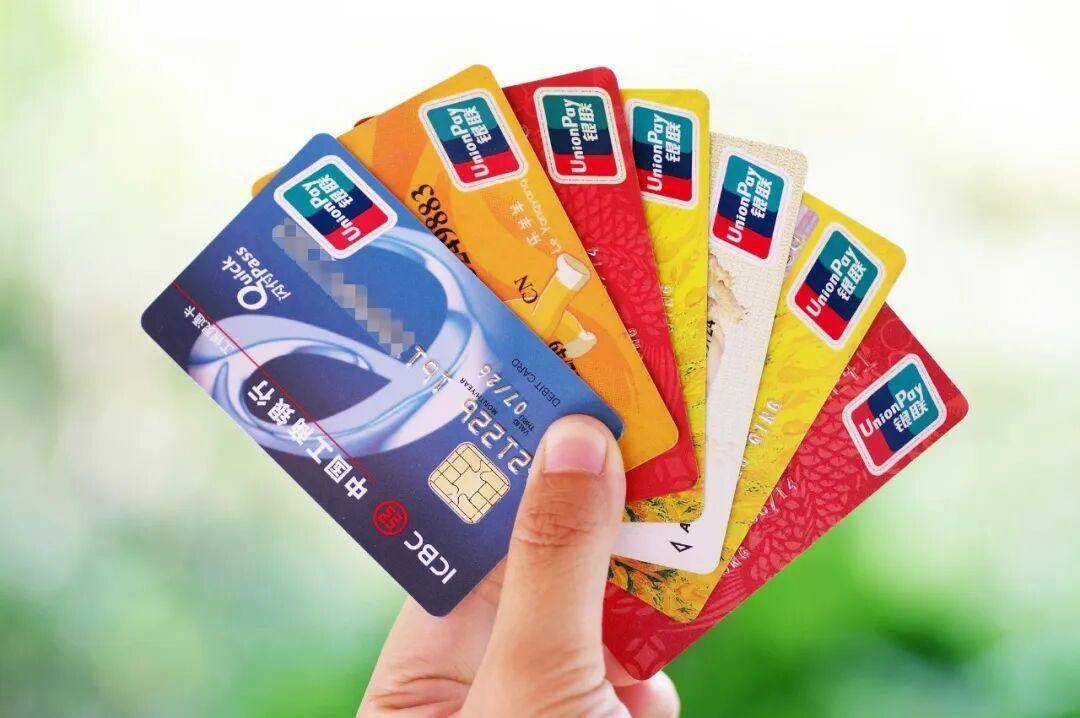
銀行卡
Posting photos of the complete bank card number and other card information can easily be stolen by criminals, causing property losses.
Express unboxing pictures or videos
After receiving the express delivery, some people like to take photos or record videos, but the complete unboxing pictures or videos may reveal personal information, leaving an opportunity for criminals.
Information for the elderly and children
Avoid publicly publishing photos and names of the elderly and children to prevent criminals from using this information to carry out illegal activities.
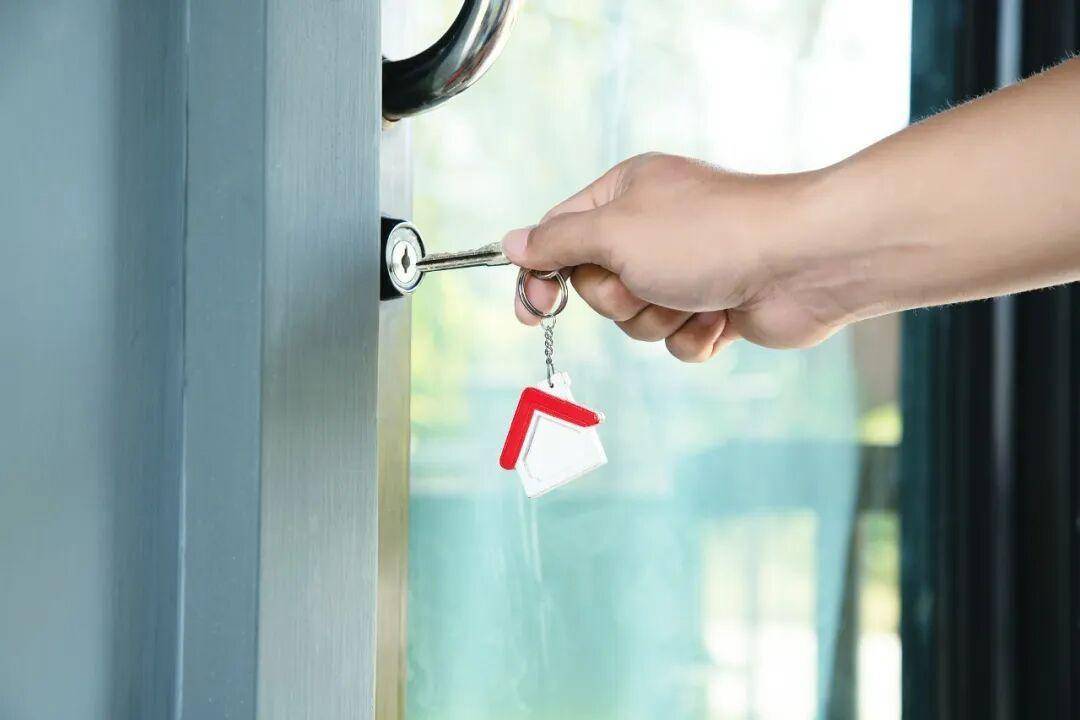
家門鑰匙
Nowadays, photography technology is advanced, and the details in photos are clearly visible. If you post your home keys and the key structure is not complicated, someone with ulterior motives may match the keys based on the photos, threatening your home security.
How to protect privacy boundaries?
Follow these three steps to prevent strangers from snooping↓↓↓
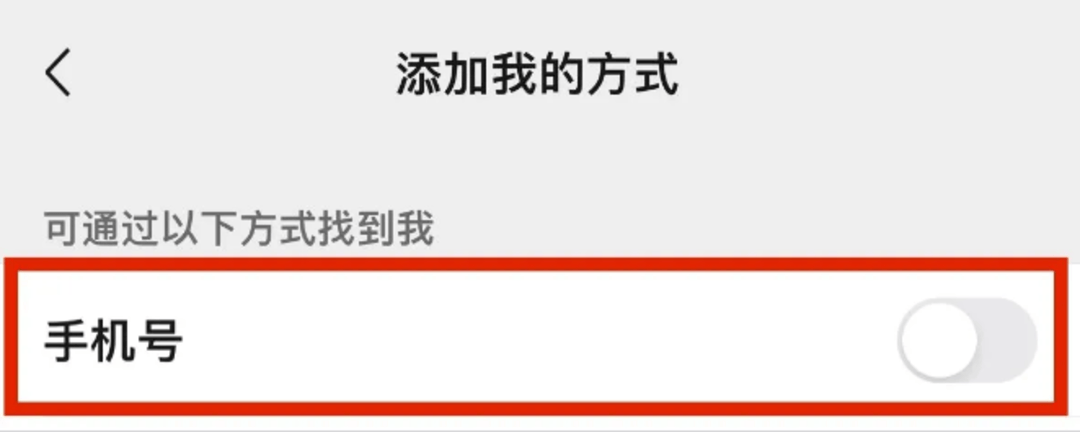
1. Turn off “You can search me by my mobile phone number”
WeChat [Settings] → [Friend Permissions] → [Add My Way] to turn off this function.
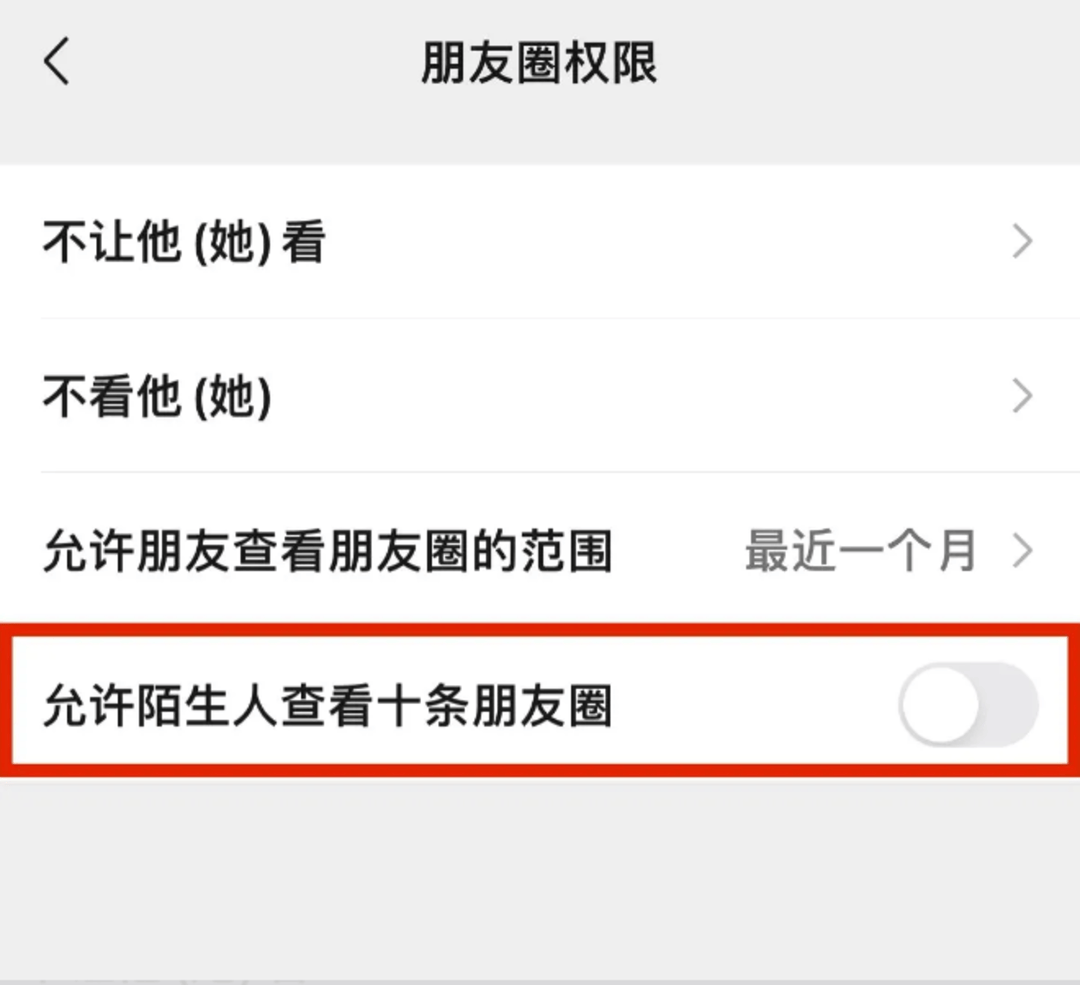
2. Turn off “Allow strangers to view ten Moments”
WeChat [Settings] → [Friend Permissions] → [Moments] Set the permissions for the circle of friends.
3. Turn off “People Nearby”
WeChat [Settings] → [General] → [Discovery Page Management] → [Nearby] to turn off this function.
Related Reading
- Norway plans to temporarily ban the use of AI glasses in certain places2026-10-06
- Hot search: Are high-speed rail seats a hot spot for HPV infection?2026-10-06
- ‘Like I didn’t exist’: Former Disney CEO explains why he doesn’t visit the theme parks2026-10-06
- FBI arrests alleged Chinese agent at LAX after she allegedly surveilled son of Taiwanese president2026-10-05
- victims identified after Georgia homecoming shooting as police appeal for help2026-10-05