National Day holiday,
Already on your way to play?
Many people will use social platforms to
Share the beautiful moments of the holidays.
小心!
This may inadvertently reveal personal information!
Related topics have been on the hot search
In addition to the above three types of pictures,
There are 4 other categories,
A total of 7 categories are not suitable
Pictures posted on social media
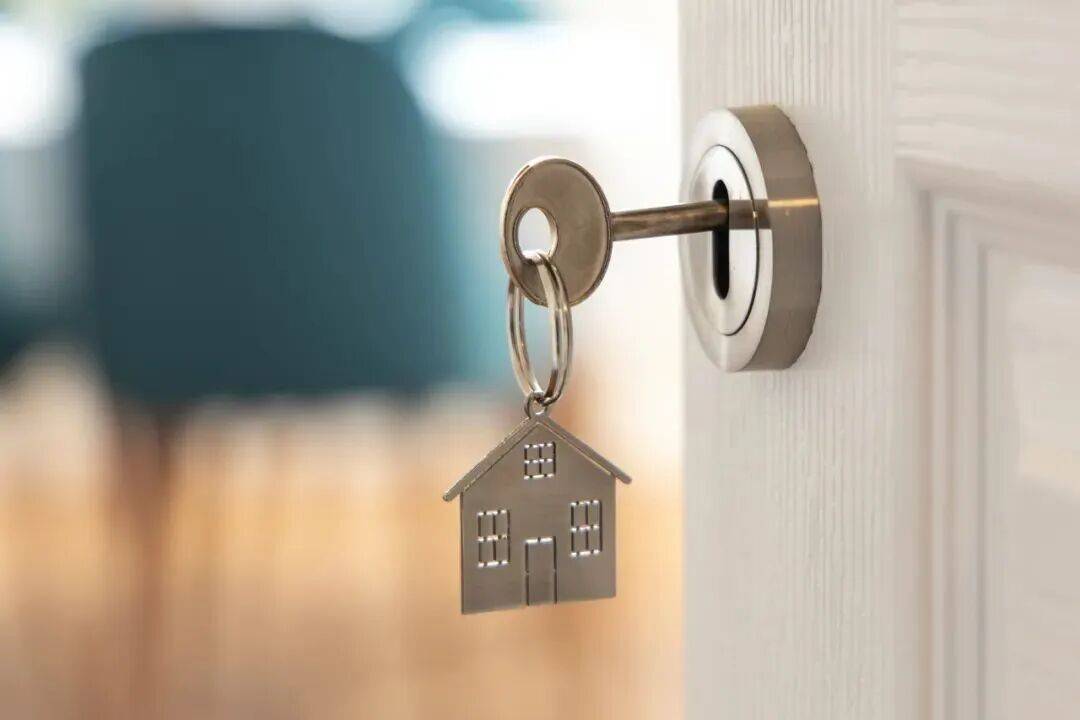
1.Home key
Nowadays, photography technology is advanced, and the details in photos are clearly visible. If you post your home keys and the key structure is not complicated, malicious acquaintances may match the keys based on the photos.
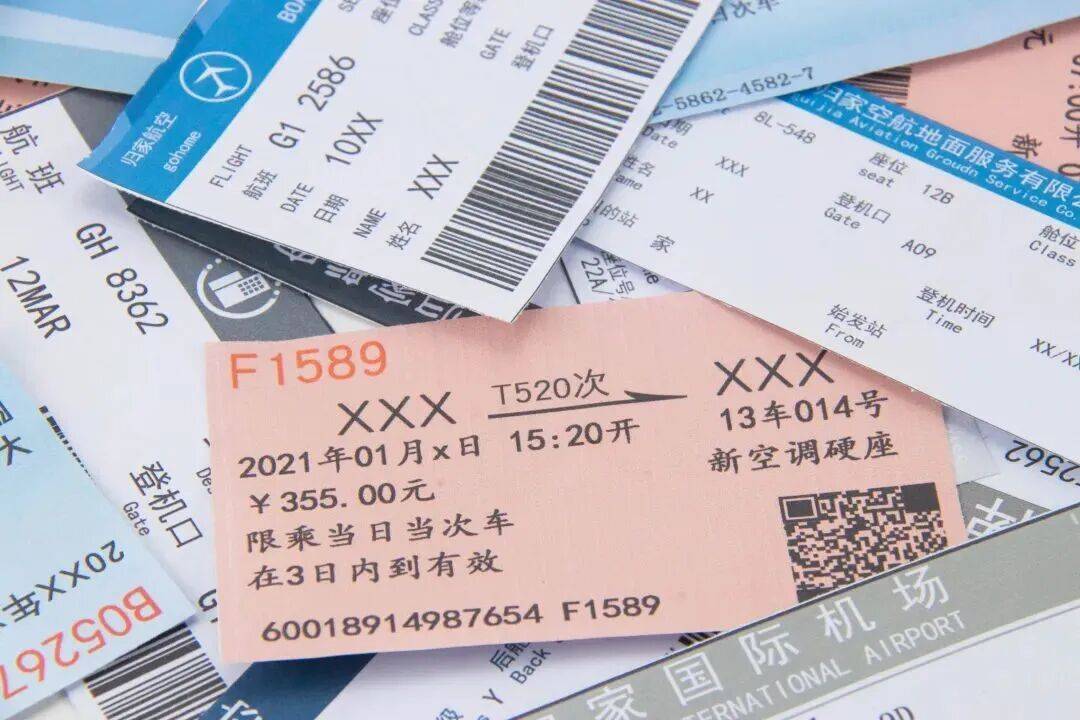
2. License plate, traffic certificate, etc.
License plate photos may allow criminals to use high-tech means to find car owner information, leading to fraud.
Transportation vouchers such as train tickets, plane tickets, boarding passes, etc., because they contain personal information, including ID numbers, are at risk of being stolen by others.
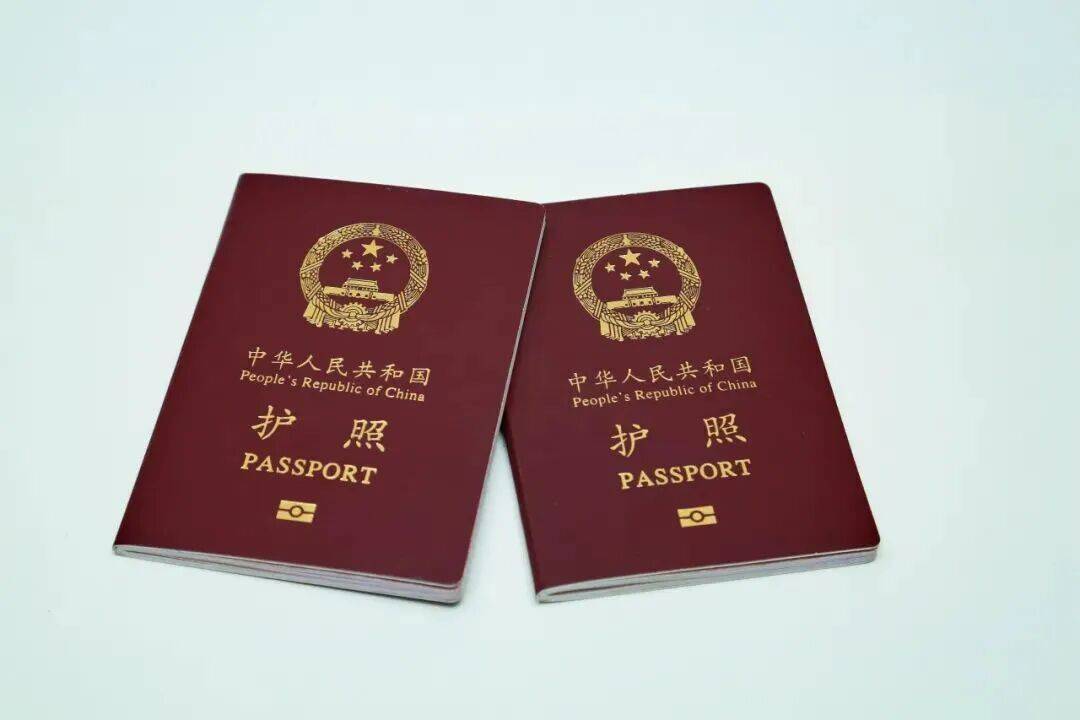
3. ID card, passport, driver’s license and other documents
ID cards, passports, driver’s licenses, etc. all contain important personal privacy, so be careful when posting online.
4.Bank card
Posting photos with bank card numbers and other card information may be stolen by criminals, causing property damage.
5. Pictures with location information
Posting pictures with location information in Moments can easily reveal your true personal address, which may cause unnecessary trouble.
When posting photos in Moments, select “Location”. After clicking to enter, select “Don’t show location”.
6. Unboxing pictures/videos
Complete unboxing pictures or videos may reveal personal information on the express delivery note, giving criminals an opportunity to take advantage of it.
7. Information for the elderly and children
Avoid posting photos and names of the elderly and children to prevent criminals from using this information to carry out illegal activities, or set the scope of sharing and share it in groups to show to relatives.
How to protect privacy boundaries?
Complete the following 3 steps to set up so that strangers have no place to spy↓
■It is recommended to turn off “Search me by mobile phone number” in “Add my method”;
■It is recommended to turn off “Allow strangers to view ten friend circles” in WeChat’s “Settings – Friend Permissions – Moments” option.
■The “Nearby People” function can locate your location. It is recommended to click “Settings – Functions – Other Functions – Discovery Page Management – Nearby People” and select “Do not show”.
■Finally, let’s continue with regular actions and go to the group to remind each other~
Shen Gongshe comprehensively compiles information from China News Network, Science Popularization China, Zaozhuang Public Security, People’s Daily Online Science Popularization, China Law Popularization, etc.
Related Reading
- Original The popular “Bear Shivering Hair” is from Shanghe2026-10-02
- The world’s longest undersea highway—2026-10-02
- Is “low-price ticket, internal ticket” true or false? Beware of these scams2026-10-02
- During the National Day holiday, many places in my country are significantly cooler, and the rain is expanding in the south.2026-10-02
- ‘We have people screaming for help’: Details of medical chopper crash off Catalina emerge2026-10-02